What goes on air
List your games, cameras, microphones and capture device. If you already own a capture card, send its model so we can check the connections and space it needs.
Custom PC builds · Australia
A PC that plays a game and broadcasts it has a different job from one capturing a console or a second PC. Tell us where the picture and audio come from, where you go live and whether you want to keep a recording.
Request a PC quotePC only. Final parts, price, delivery and lead time confirmed in your quote.
Before choosing parts
List your games, cameras, microphones and capture device. If you already own a capture card, send its model so we can check the connections and space it needs.
Share your platform, streaming software, target resolution and frame rate. For OBS Studio, the encoder and the number of sources in a scene help determine the hardware you need.
Tell us the length of a typical session and how many recordings you want to keep. We can allow for those files when choosing storage.
Compare your options
We’ll confirm the parts and price once we know your setup and budget.
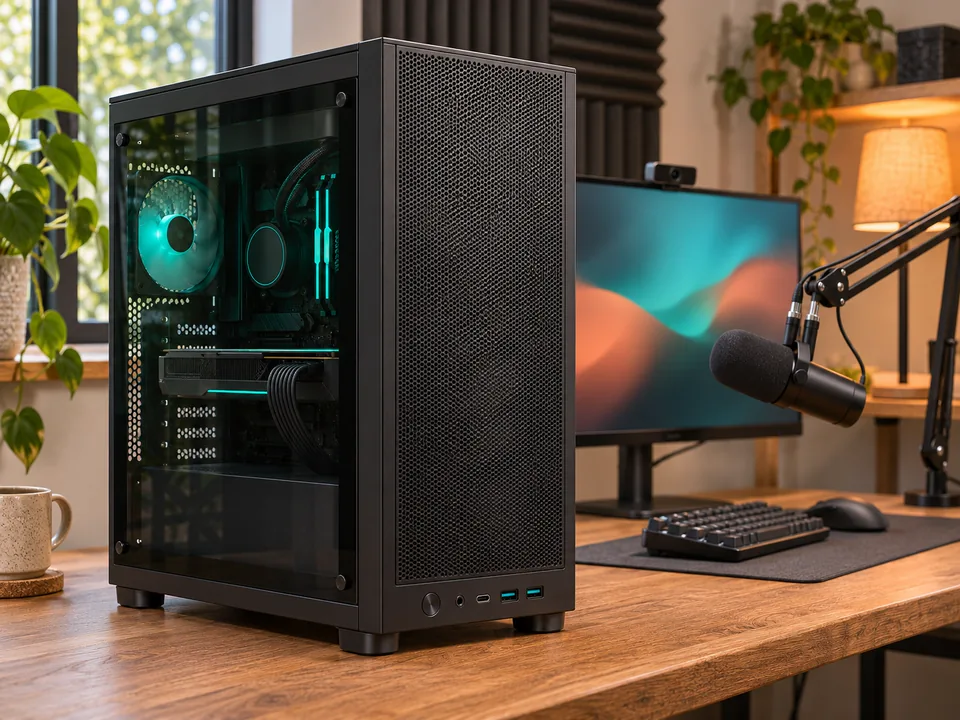
Example PC in an illustrative setup. Final case and components confirmed in your quote; peripherals excluded.
Go live and keep a local recording. We plan the encoder, capture connections and storage around what you broadcast.
Your questions
Not sure where to start? Choose I need advice on the quote form. Read how quotes, invoices and delivery work.