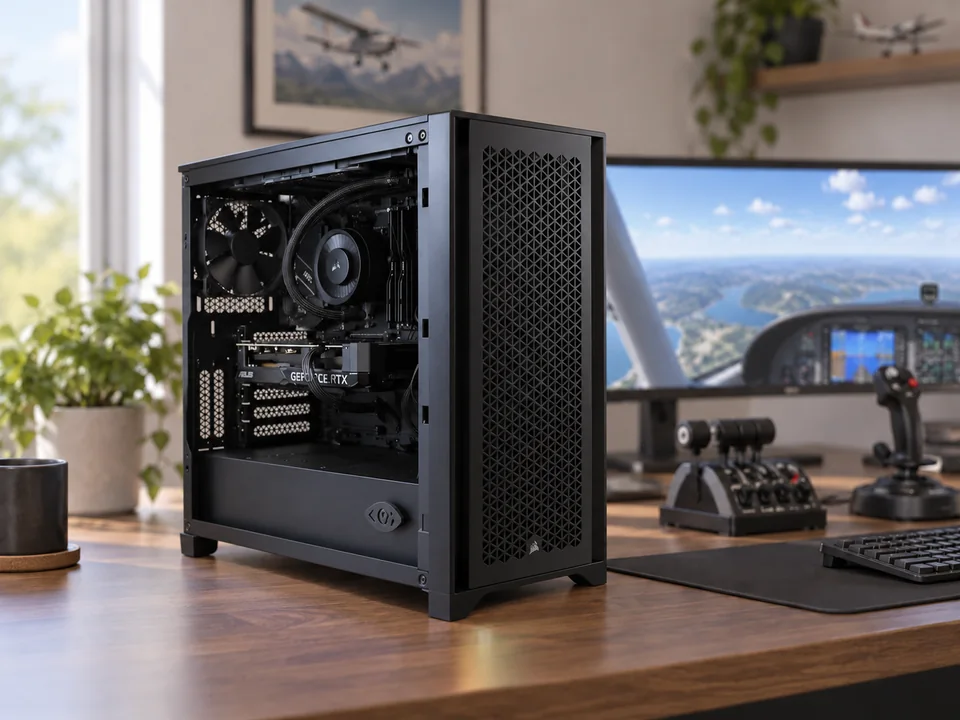
Describe the flying you want to do
Microsoft Flight Simulator, DCS and other flight simulators should be discussed by version and workload. Name the aircraft you fly, the scenery you use and any additional software you run alongside the simulator.
Published requirements help identify a starting point. They do not establish a result for every aircraft, weather setting, scenery package or mission. Explain your intended settings and the situations that matter most to you rather than relying on a single minimum-spec label.
Allow room for installed content
List your installed simulator, aircraft and scenery libraries when discussing memory and SSD capacity. If you are replacing a PC, its current storage use is a useful input. Include other games or applications that will share the machine.
Discuss capacity and organisation separately. Separate drives may help organise an application and content library, but extra drives do not automatically establish a performance result or provide a backup. The quote should identify what each drive is intended to hold.
Specify screens or VR
Send your monitor models, resolutions and refresh target, or the exact headset and connection method. If you use both, include both. A specification discussed for a desktop screen should not be assumed to meet the same target in VR.
Include flight controls, pedals and other connected devices so we can review the PC's connections. Yokes, sticks, throttles, headsets and cockpit hardware remain outside the PC-only quote.
Bring the details together
A useful enquiry includes the simulator version, aircraft and add-ons, display or headset, installed storage use, preferred settings and budget. Choose I need advice for anything you have not decided.
The quote confirms the parts, operating system, total, delivery and expected build timing. Simulator licences, application installation, workflow configuration and on-site setup are excluded. We do not promise one frame rate for all flight-simulation workloads.